AI video infrastructure for stories that need continuity
From script to screen — consistent characters, locations, and context across every shot.
Production workflow
From Script to Final Cut
Seven stages. One connected pipeline. Every shot knows its context.
INT. WAREHOUSE — NIGHT
Maya enters through the loading dock.
The red briefcase sits on the table.
Start with story.
Upload any screenplay, video, or audio. Mixio structures it into production-ready scenes and shots.
Structure emerges.
AI breaks your script into production elements — scenes with shots, characters with traits, locations with mood. Everything linked in a production graph.
Character Sheet
4 assets
Props
2 assets
Locations
2 assets
Wardrobe
1 assets
Voice Profile
Live

Front View
Character Sheet
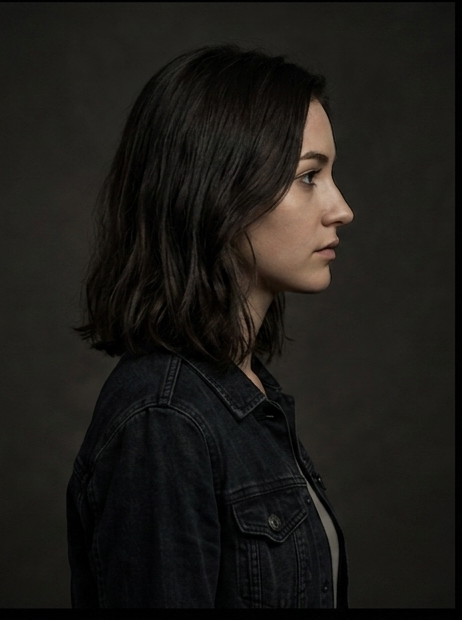

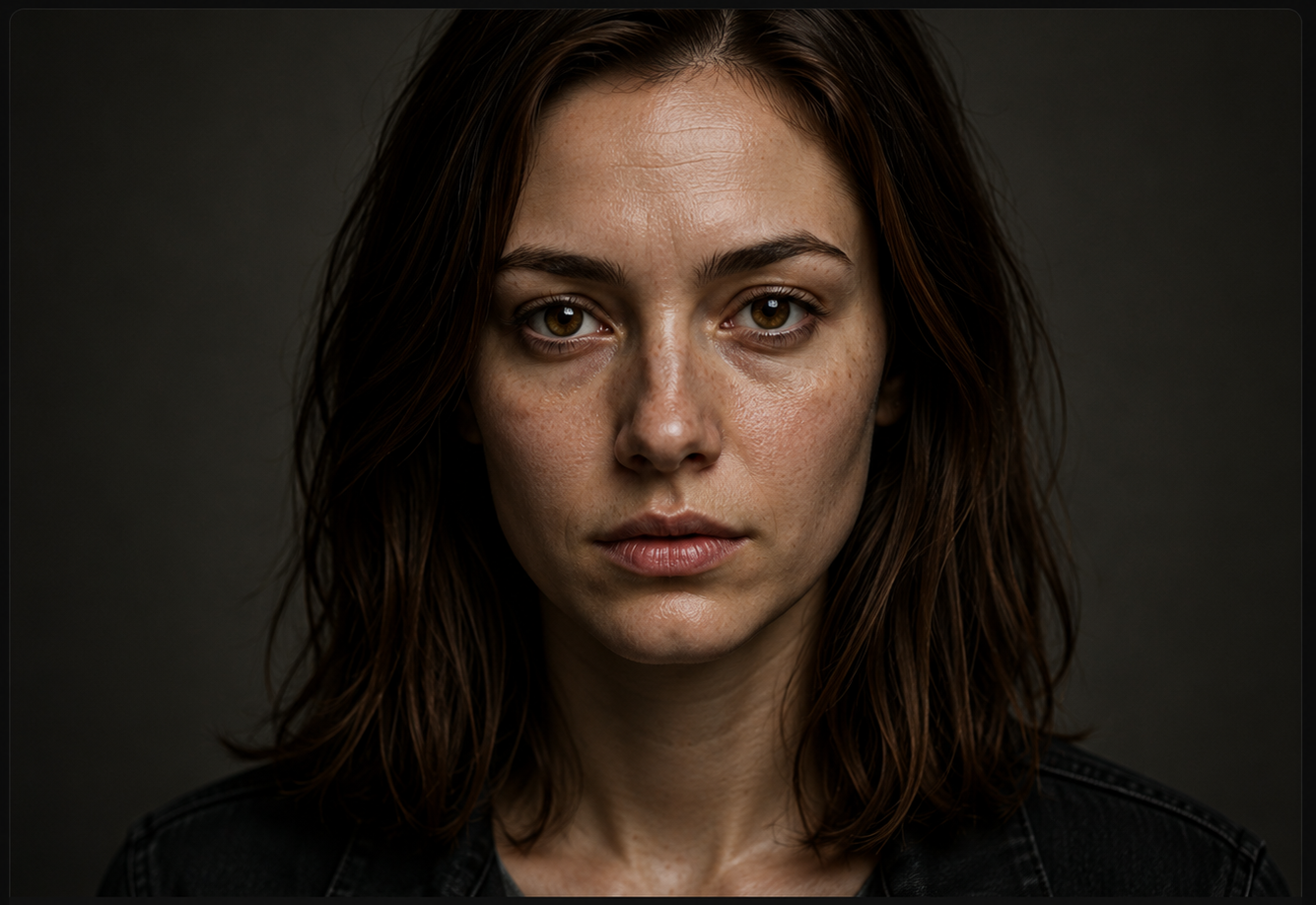
Build the world.
Design characters with multi-angle references. Define locations with lighting and architecture. Create voice profiles. Every asset becomes a reusable production anchor.
Freeze continuity.
Lock your visual references and breakdown structure. Locked assets become the canonical identity for all downstream generation — no drift, no inconsistency.
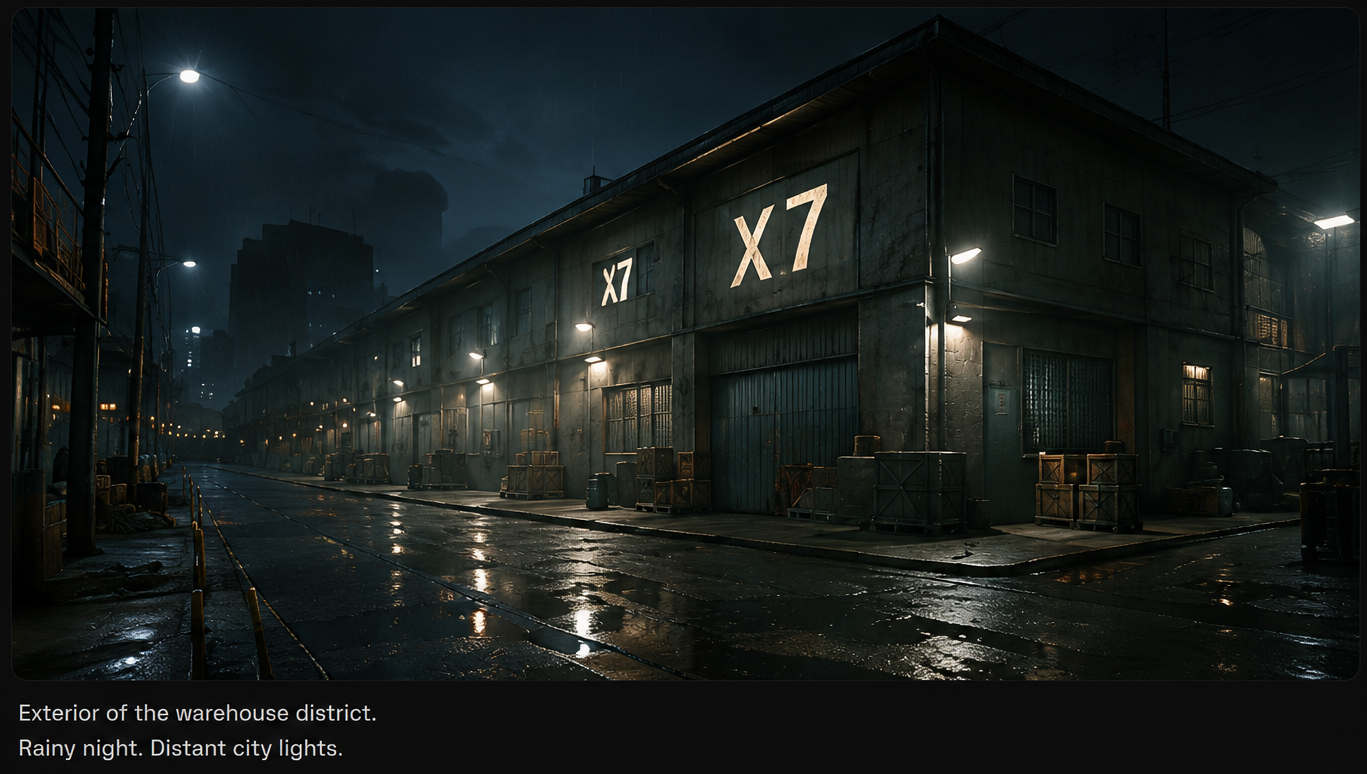
Warehouse Shot
Wide · Static
2s
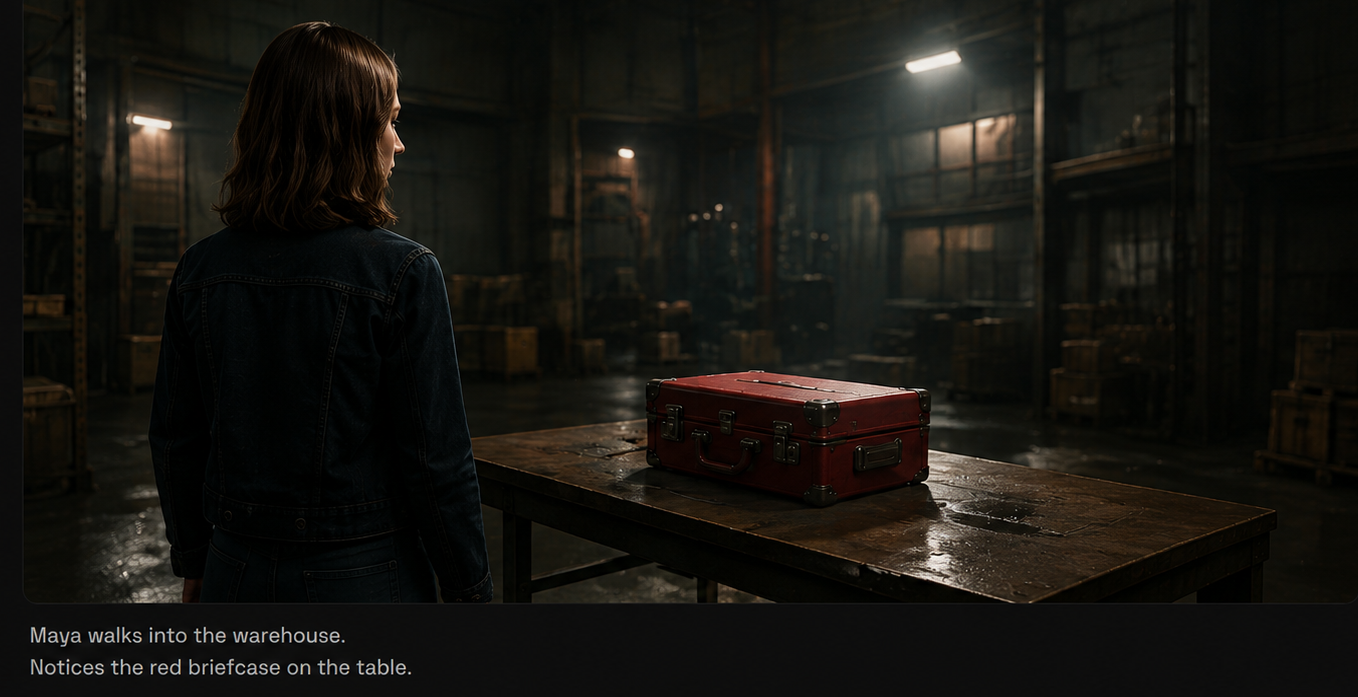
Maya and the Red Briefcase
Medium · Dolly
3s
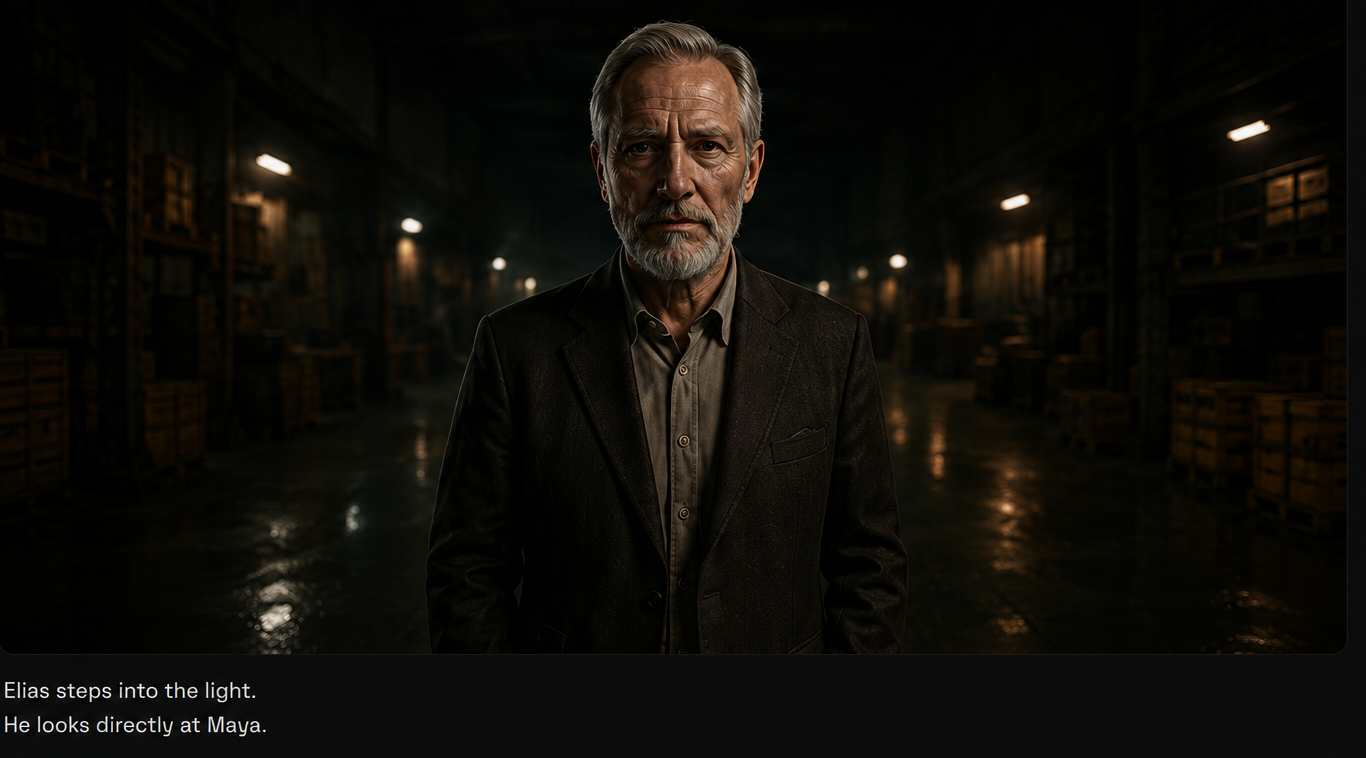
Elias enter
OTS · Tracking
3s
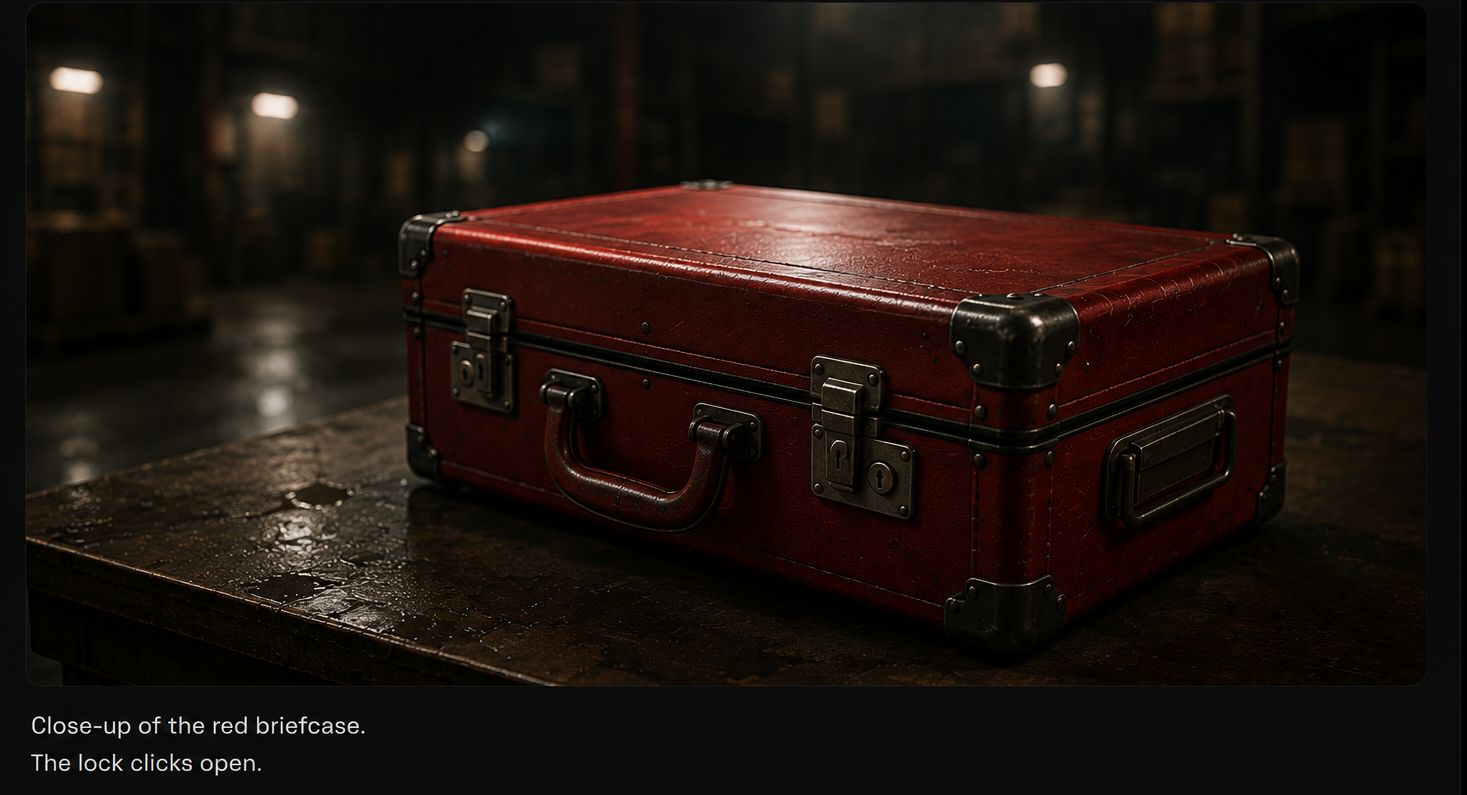
Red Briefcase
Insert · Macro
2s
See every shot.
Generate storyboard keyframes for each shot with full context attached — characters, locations, references, and narrative beats all inform the visual output.
Bring it to motion.
Convert approved keyframes into cinematic video. Route shots across Kling, Veo, Sora, and Seedance — the system picks the best model for each shot.
Assemble the cut.
Drag approved videos and frames into a multi-track timeline. Layer voiceover, music, and sound effects. Preview in real-time and publish.
Magic at Your Fingertips
Everything you need to go from script to screen, powered by the best AI models available.
World Building
Bring Worlds to Life
Define every element of your production universe once, and let the system maintain consistency across every frame.
Characters
Lock character appearance, age, build, and voice across every scene.
Locations
Define environments with lighting, time of day, and architectural style.
Props
Track key objects and their visual identity throughout production.
Visual Styles
Set and maintain cinematic look, color grade, and artistic direction.
Continuity
Scene graph keeps context flowing across shots automatically.
Emotions
Character expressions and body language stay narratively consistent.
Built for Modern Creators.
Bringing your vision to reality. From passion projects to the big screen.
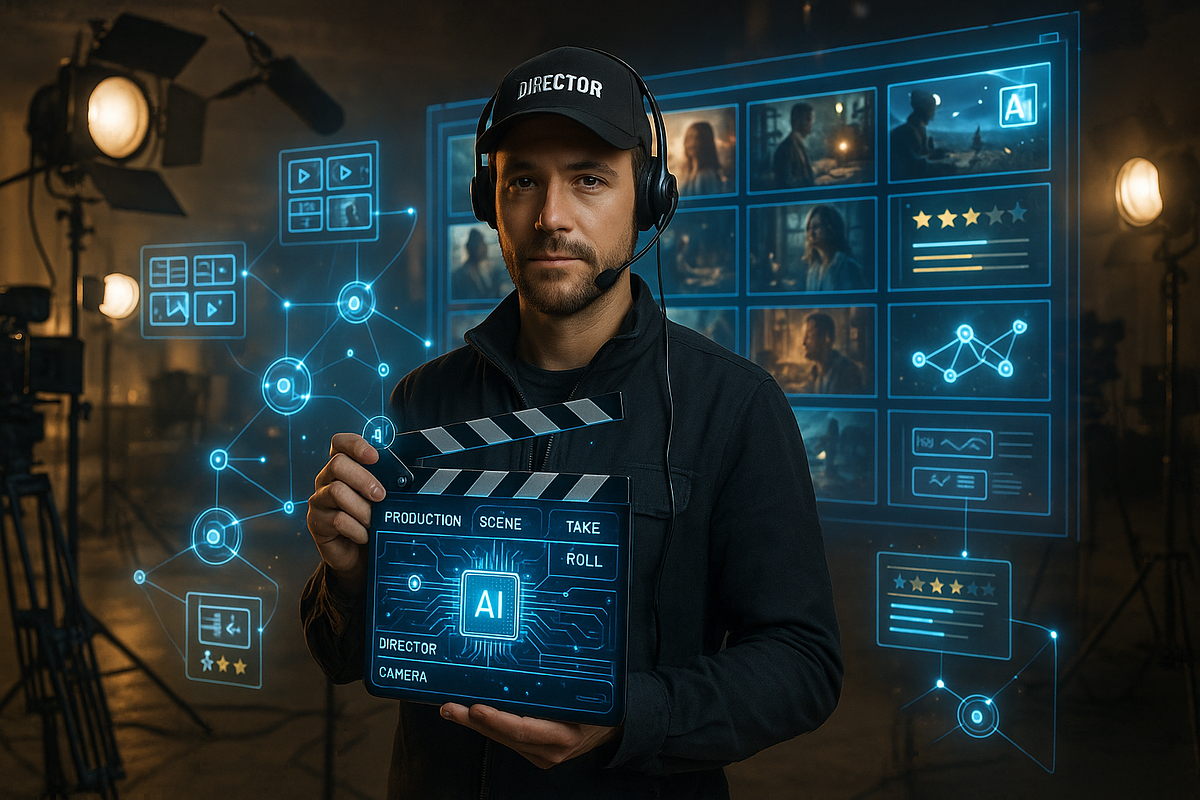
Filmmakers
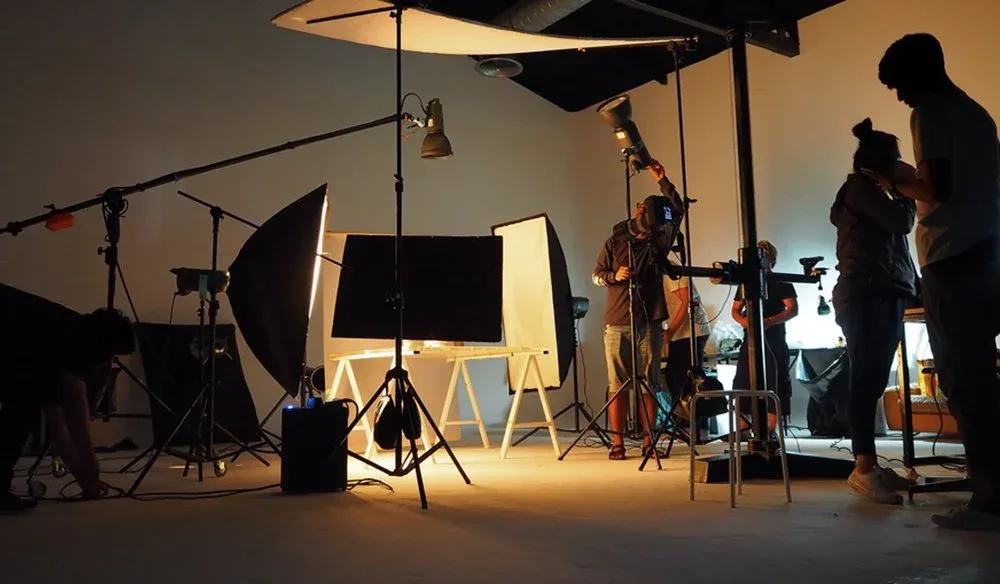
Agencies
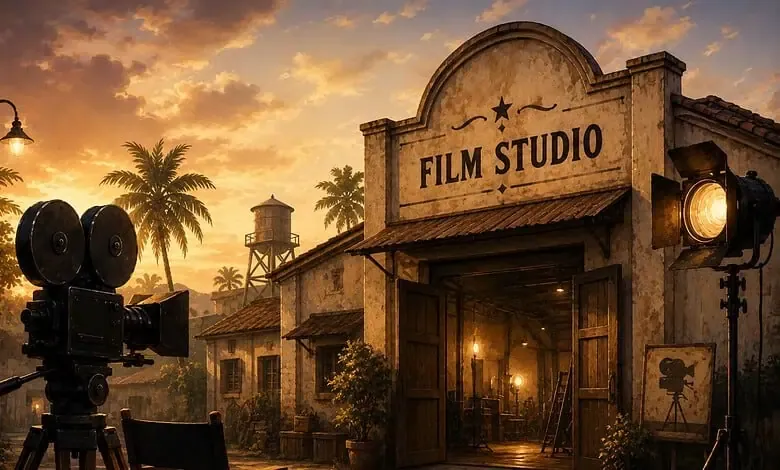
Studios
Storytelling for Any Screen.
The Studio
Beyond the platform. Our production team partners with brands and agencies to produce AI-powered content using Mixio's full pipeline — from script to final delivery.
Explore StudioFrequently asked questions
Everything you need to know about Mixio Studio.
Bring a script. Leave with a production map.
We will review your format, continuity needs, model strategy, and render workflow before you commit to a build.